
Roles
Build named permission sets to assign to team members.
A role is a named bundle of permissions. You assign roles to people rather than picking permissions per person, so access stays consistent and reviewable. Only store owners should end up with full permissions. Everyone else gets limited, task-specific access.
Dashboard → Access → Roles. Needs role_read.
Creating a role
- Go to Access → Roles.
- Click Create in the top right.
- Name the role, give it a short description, and choose the permissions to assign.
- Click Create.
Full list: Permissions Reference.
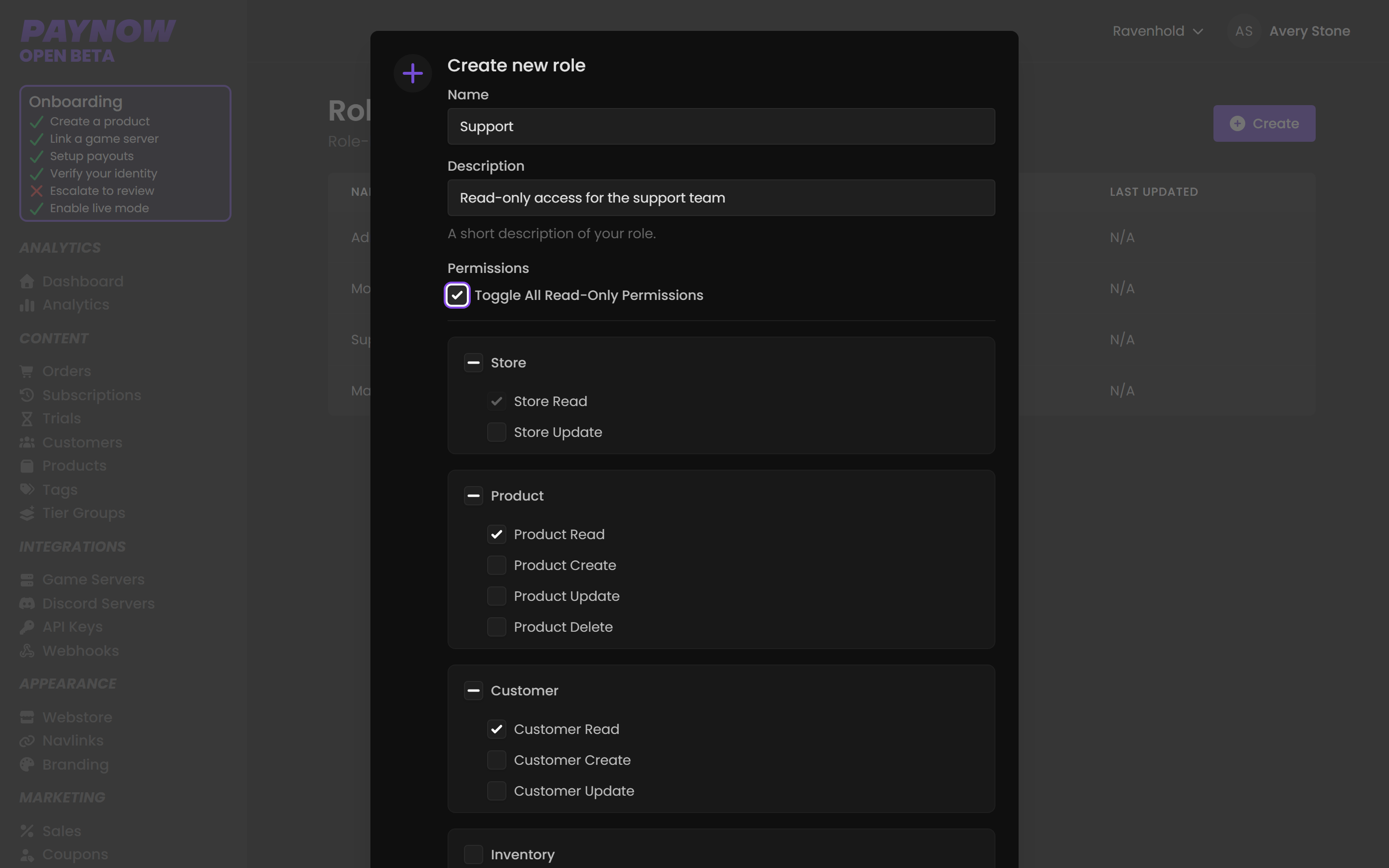
Where roles are applied
Not here. Roles are assigned on the Team Members page, when inviting someone or when editing an existing member's access. Creating a role does nothing on its own until it is assigned.
Designing roles
Name roles by job, not by power level. Support Lead, Billing Viewer and Content Editor tell you who the role is for. Level 2 does not.
Create several narrow roles rather than one broad one. A member holds a single role, so the one you assign is the whole of their access.
Start read-only and add permissions as people need them. Granting is easy; discovering that someone had delete rights for six months is not. Review roles regularly so access matches what people actually do now.
Roles worth having
| Role | Include | Deliberately exclude |
|---|---|---|
| Support | View orders, customers, subscriptions | Refunds, product edits, API keys |
| Moderator | Support's permissions + bans | Anything financial |
| Content Editor | Products, tags, webstore, branding | Customers, orders, billing |
| Marketing | Sales, coupons, gift cards, analytics | Products, refunds, team |
| Administrator | Most things | Nothing you would not survive being misused |
Assign Roles cannot be used to escalate. You can only hand out a role whose permissions your own role already covers, so someone with Assign Roles can't promote themselves past where they already are.
These are the permissions worth pausing over. Create Refunds moves money out. Manage Orders changes order state. Delete Products destroys catalogue and complicates order history. Create/Update API Keys hands over a key that can be copied and keeps working after the person leaves. Manage Billing changes your plan and payment details.
Keys created under those permissions stay valid until you reset them on the API Keys page.